Login
Login
Note:
When using Coboπ, users need to ensure that the device being used has established a connection with the control cabinet.
There are two methods to establish such connection:
To connect to the LAN1 port on the bottom of the control cabinet, which defaults to a fixed IP address in the 10.5.5.x range.
To connect to the control cabinet's Wi-Fi, whose default password is: JKadmin123
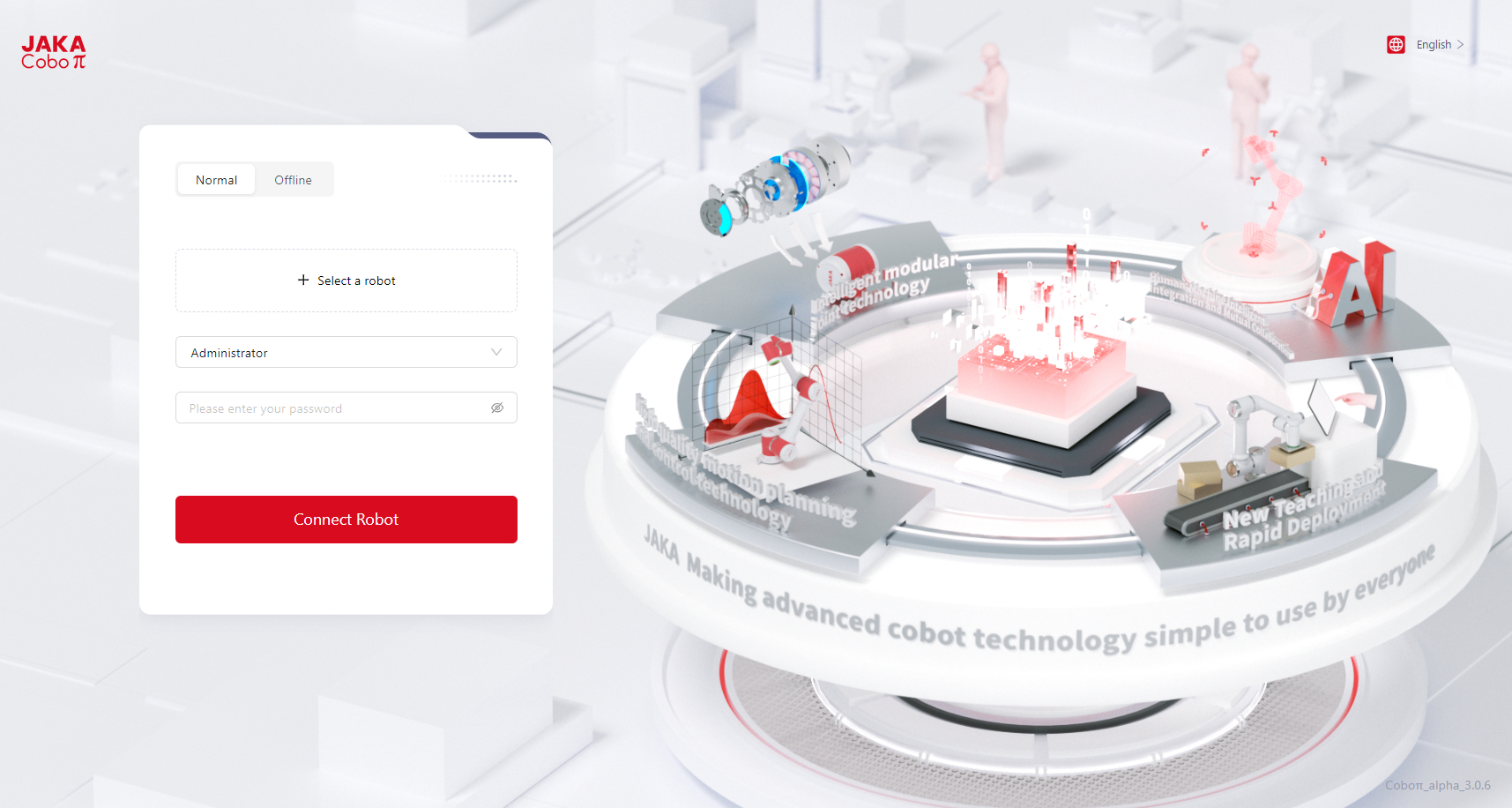
This is the login interface of Coboπ:
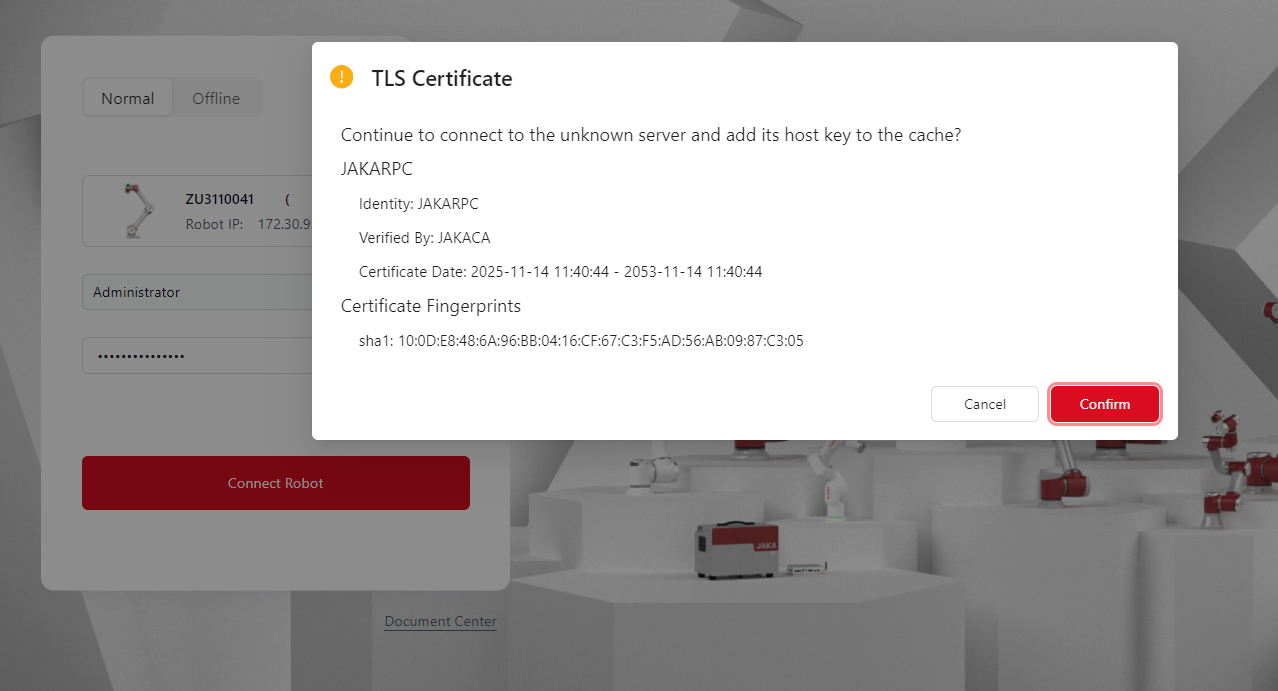
When logged in for the first time, there will be a pop-up window of TLS certificate. Users need to click Confirm to proceed.
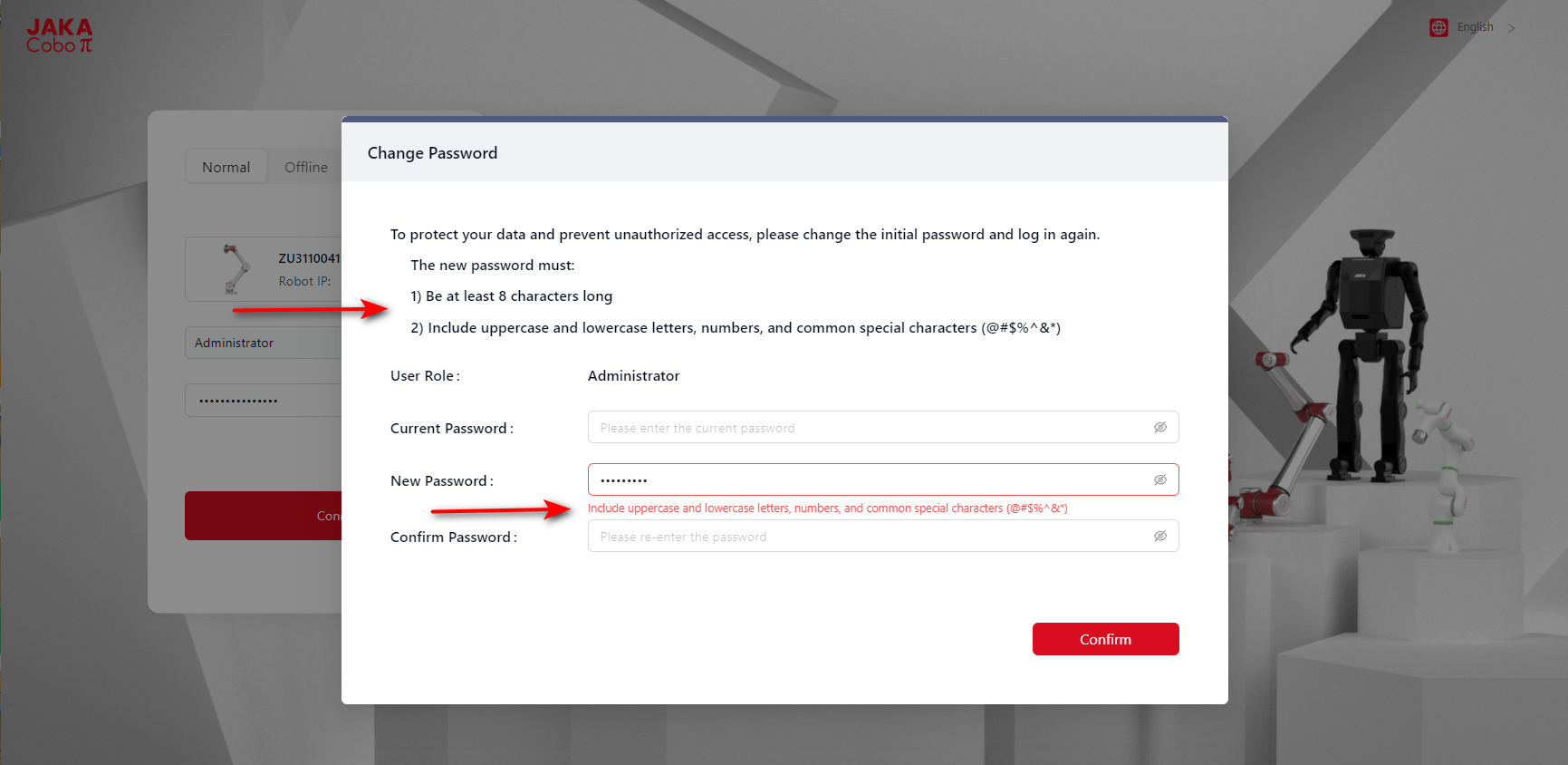
Users need to choose their roles as Administrator when logged in for the first time. And the changing of password is required too.
Note:
The Administrator 's default password is: jakazuadmin
Language
Click the icon on the upper right side to change the language:

Normal Connection
It is recommended to connect the robot via Normal.
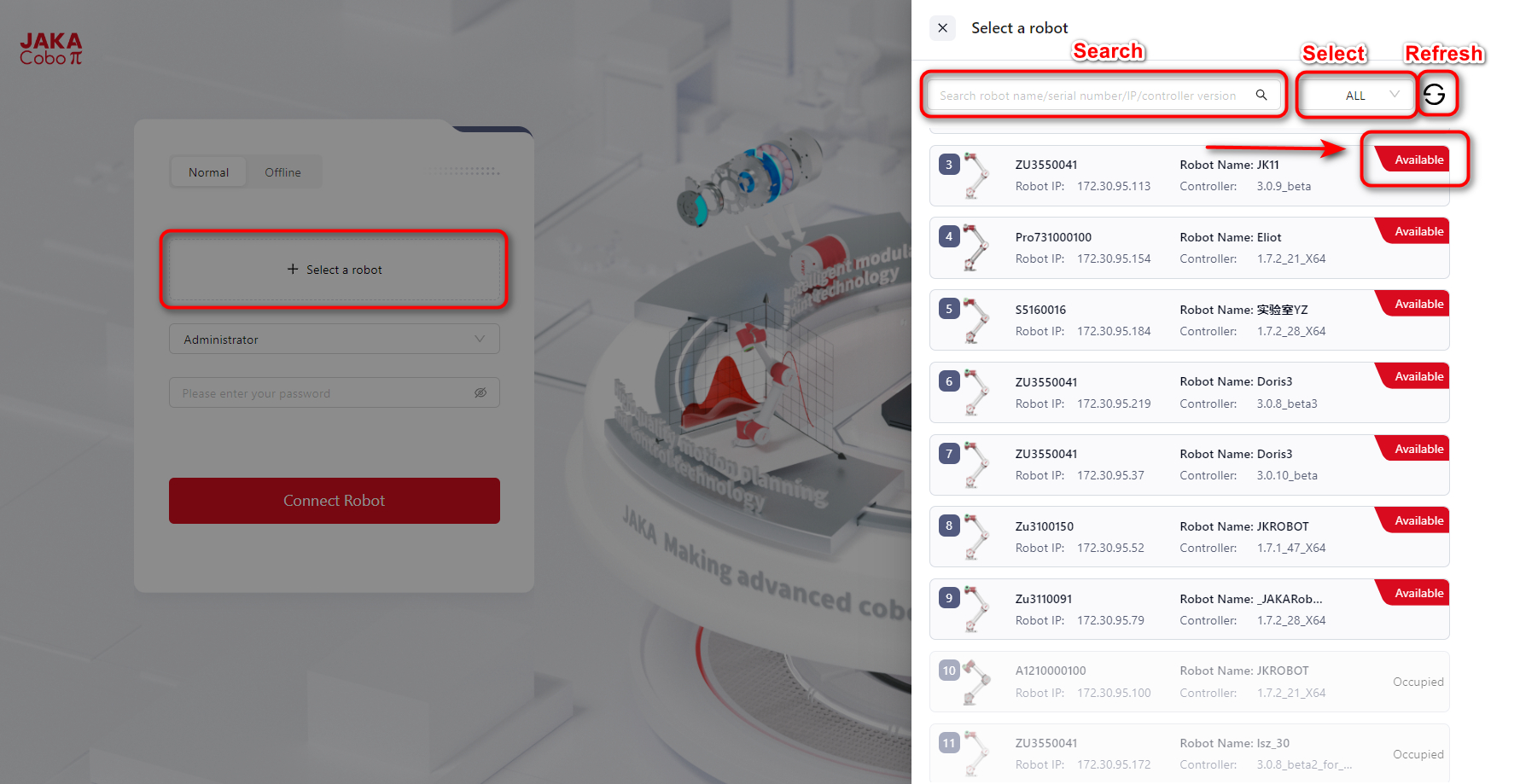
- Click
+ Select a robot, and select the robots in the left list withAvailableto connect;
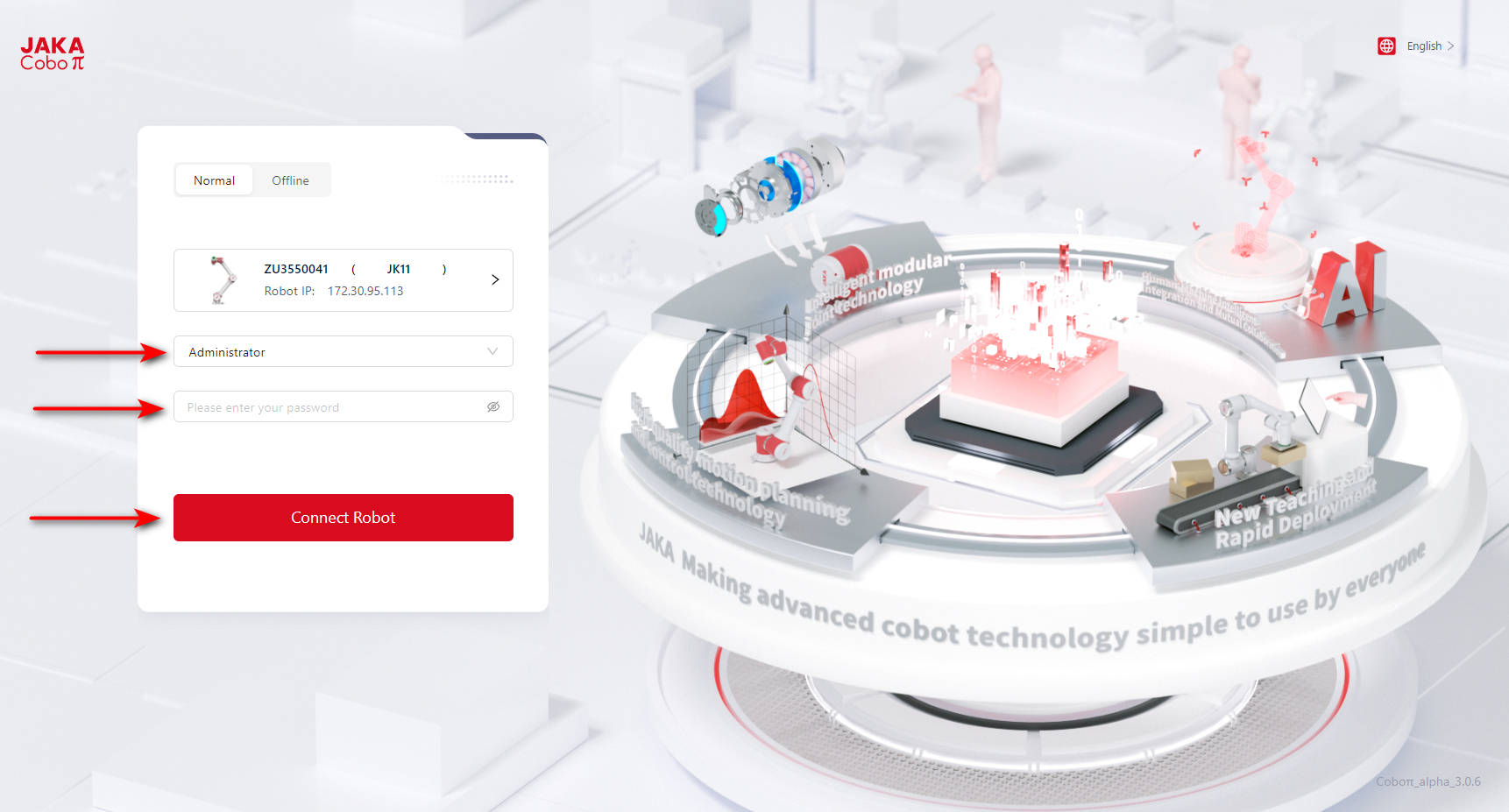
- Choose a role, enter the password, then click
Connect Robot;
Please notice:
When using Technician and Operator to log in for the first time, there will be a notification:
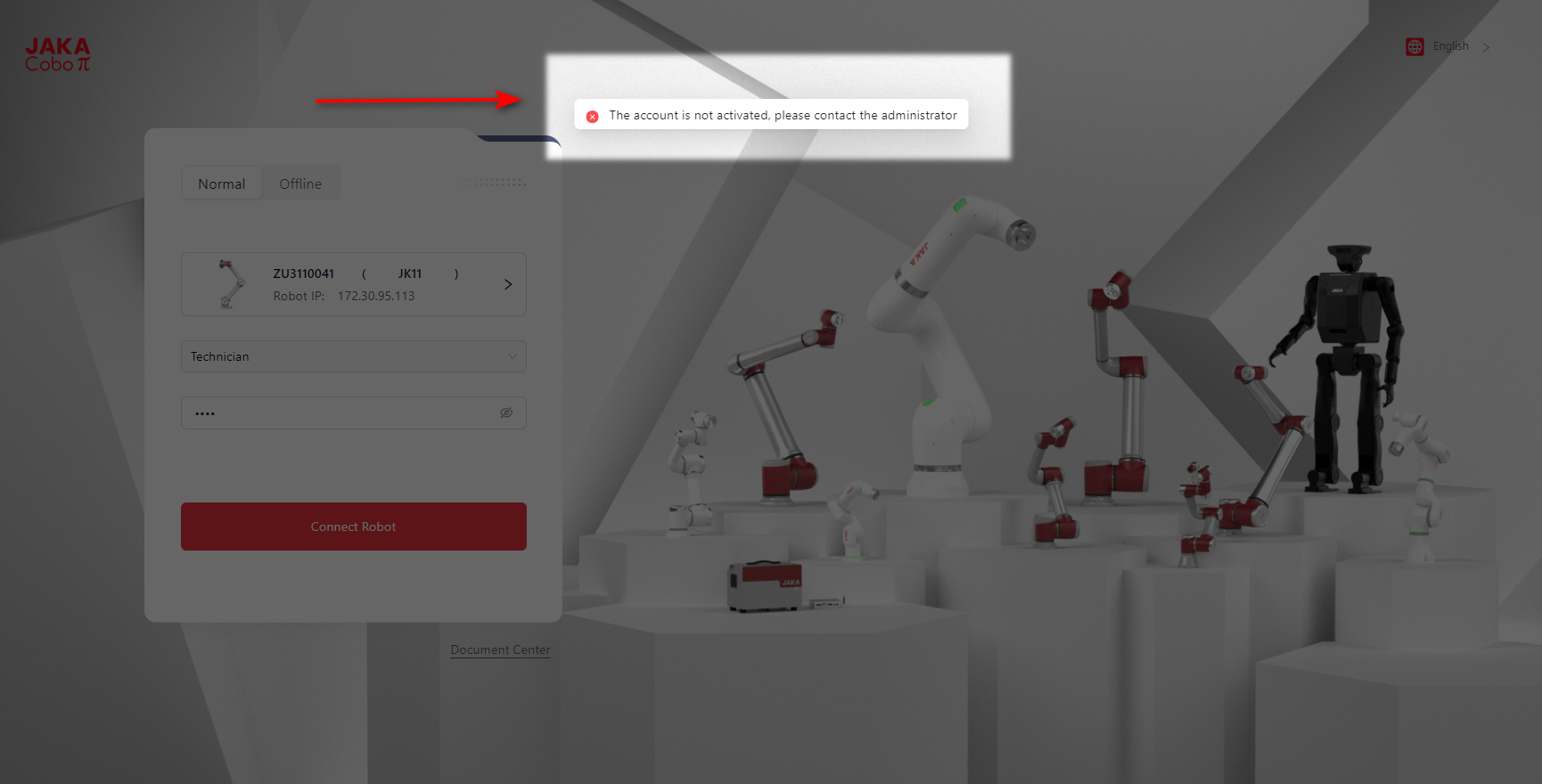
The user needs to log in as Administrator to change the default passcode of Technician and Operator first, and then go back to the login interface to change role and log in again.
- Once logged in successfully, the interface will be redirected to the homepage.
Offline Connection
When the target robot is not in the list, user can choose Offline.
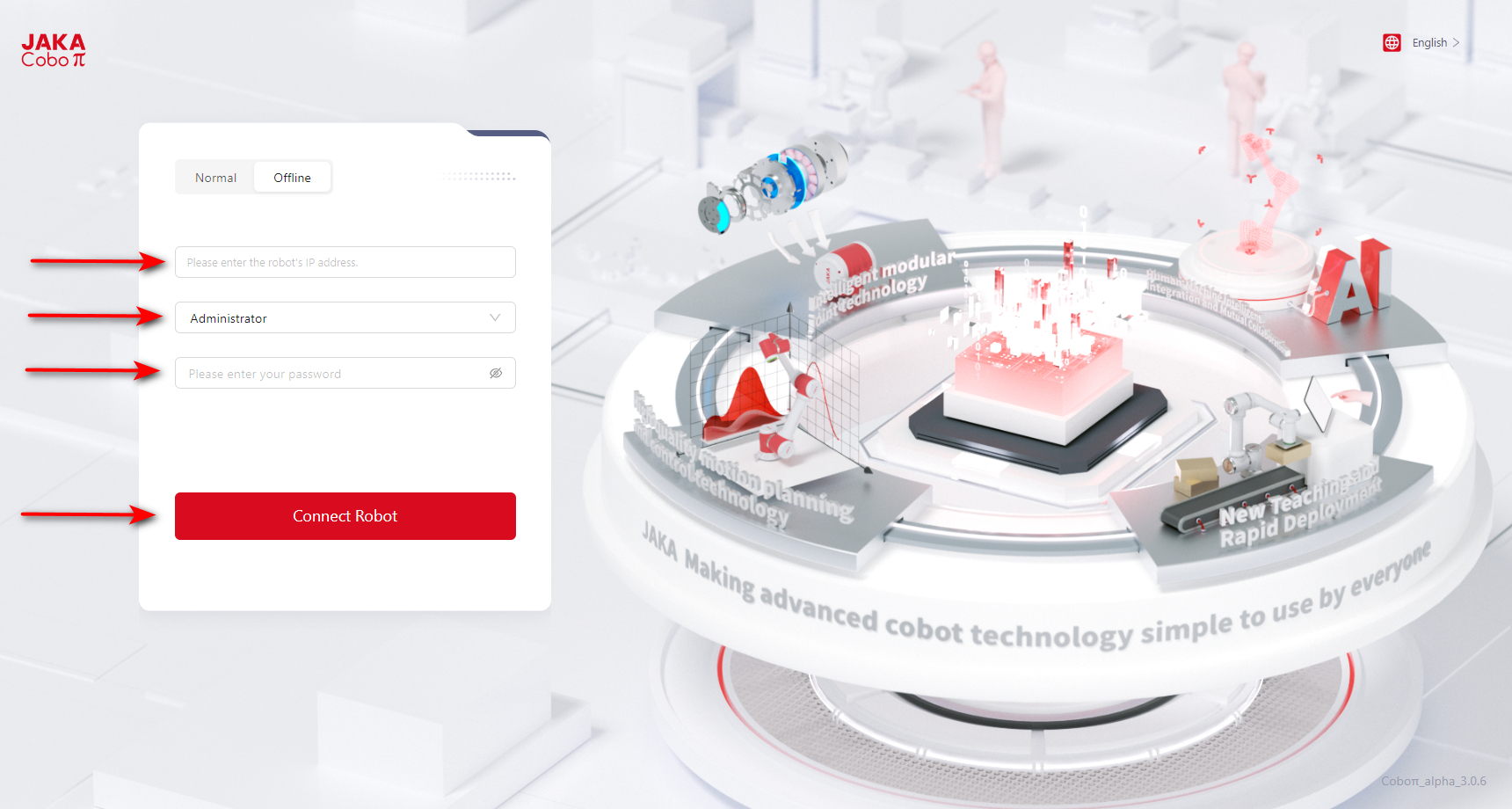
- Enter the robot's IP address, choose a role, and enter the password.
- Click
Connect Robot. - Once logged in successfully, the interface will be redirected to the homepage.
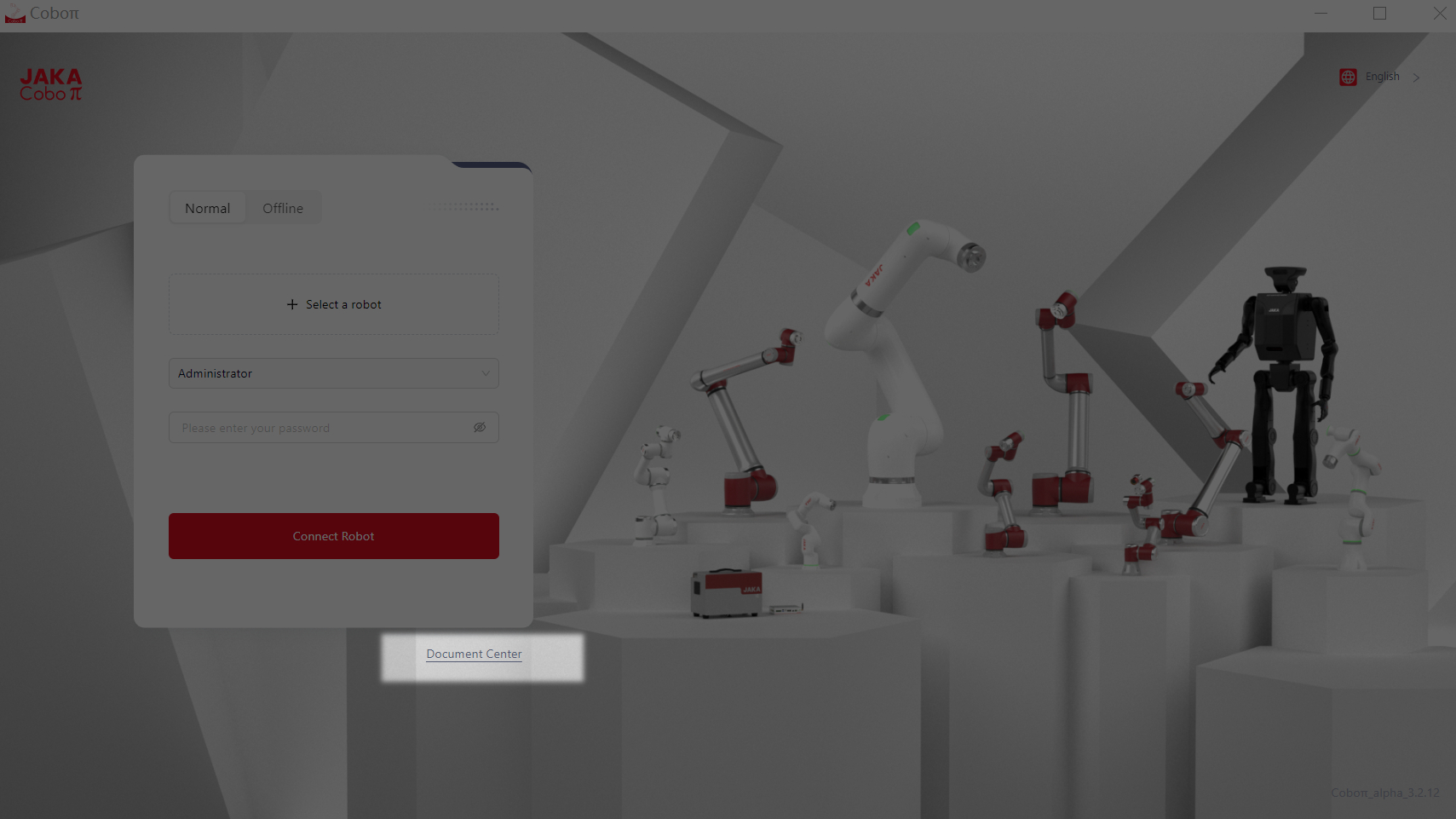
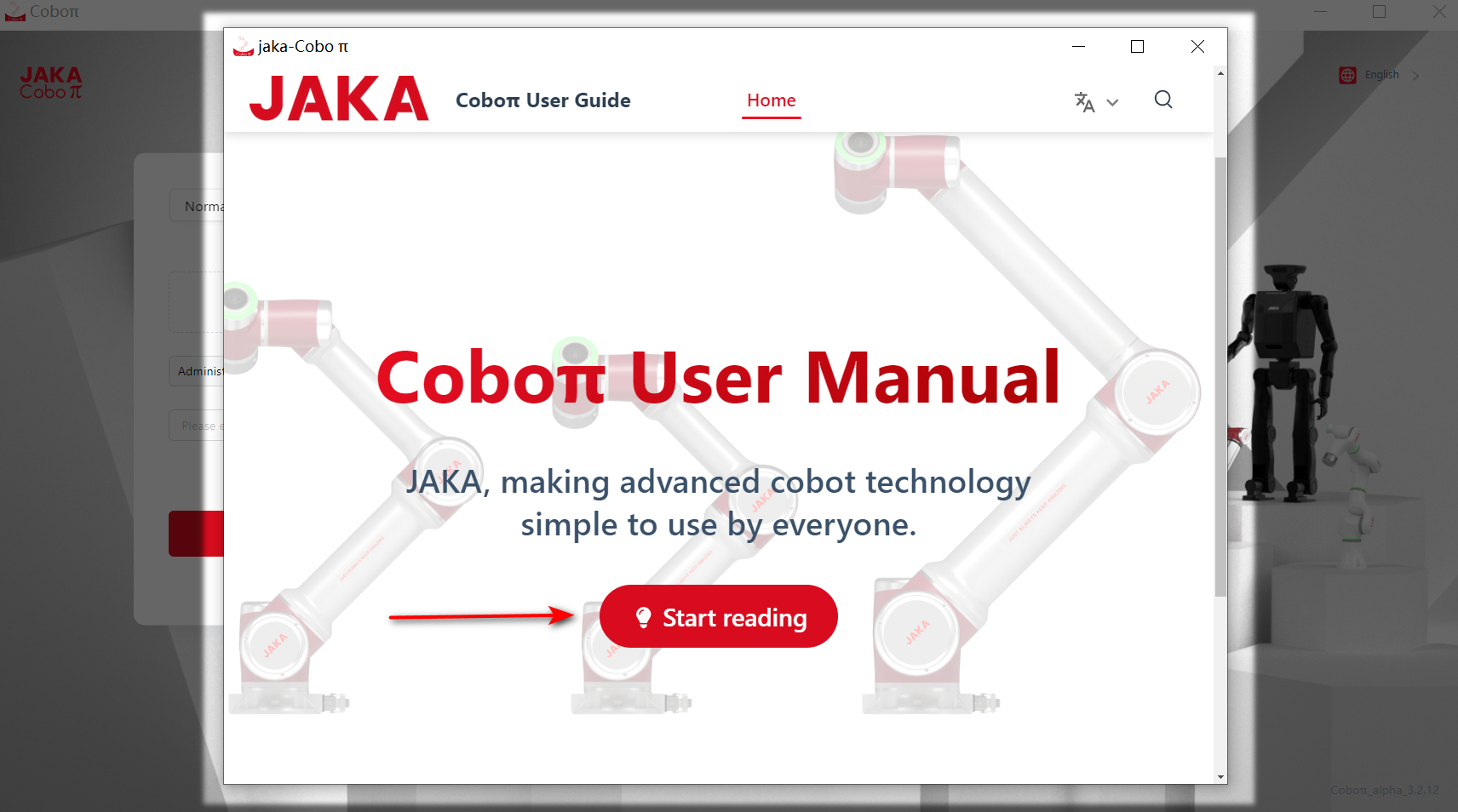
Check the User Manual Before Login
Users can click Document Center to read the user manual before logging in to the system.